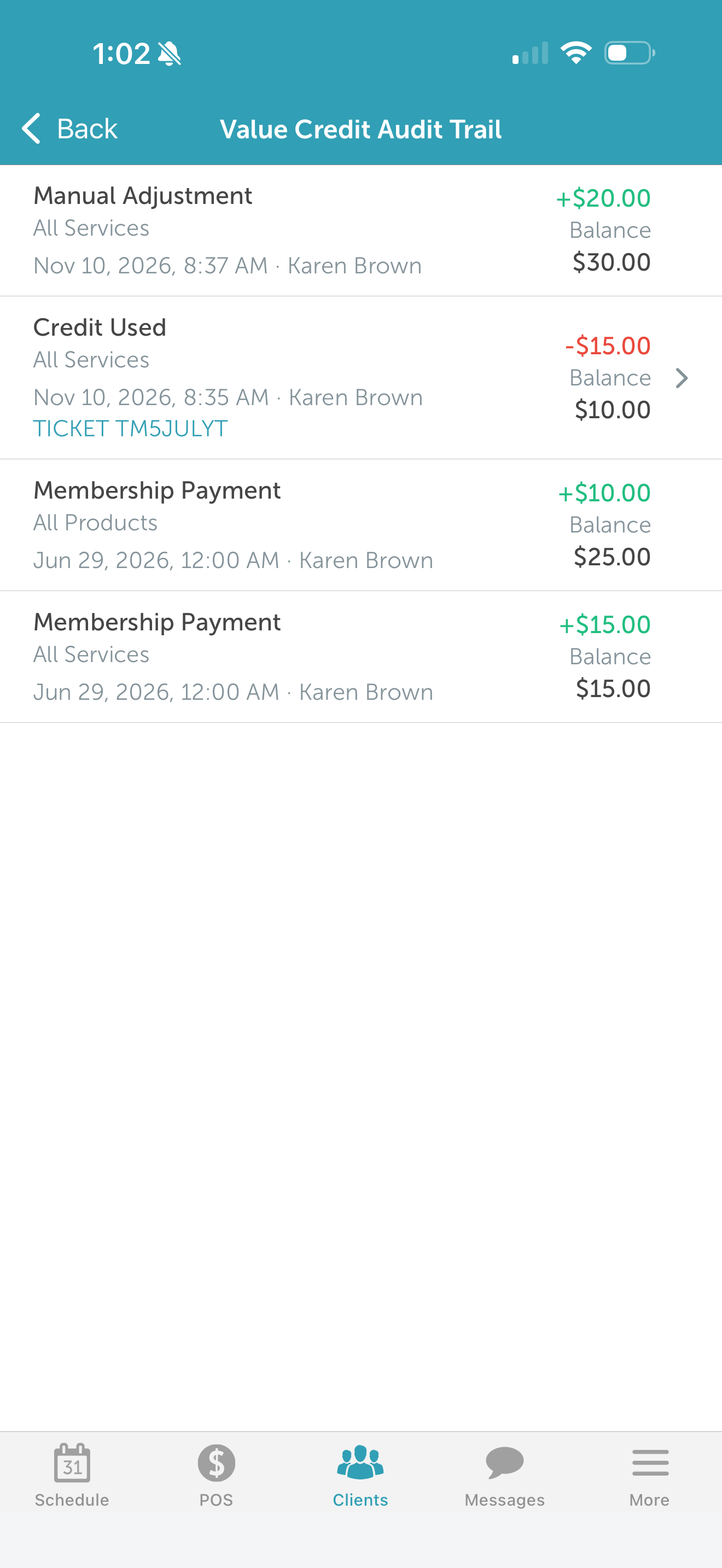
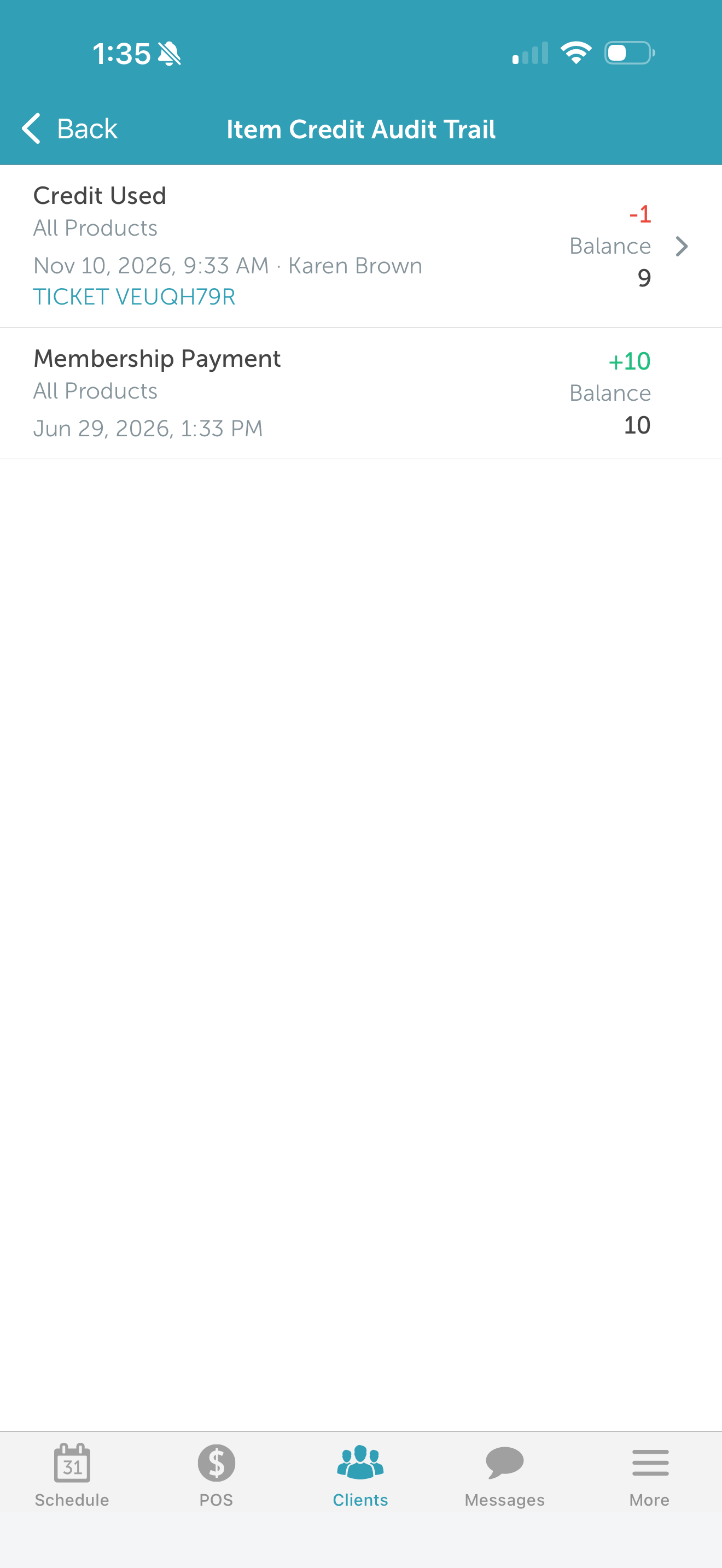
The membership credit audit trail on a client's profile displays every credit-related action—including the initial membership payment, recurring membership charges, credit usage, manual credit adjustments, and membership cancellation—along with the name of the staff member who made each change. This article explains how to access the audit trail and what information is displayed on the Scheduler app.
Things to know:
- The ability to access membership credits audit trail from the client profile is governed by the "Accessing Memberships" access control permission.
- The audit trail only displays changes that occurred on or after March 14, 2022 (when this feature launched).
- Actions are listed in reverse chronological order, with the most recent entry displayed first.
- Membership value and item credit balances are displayed for each transaction, showing how credits changed over time.
- Tapping a ticket number opens the associated transaction in POS (when available).
To access the membership credits audit trail:
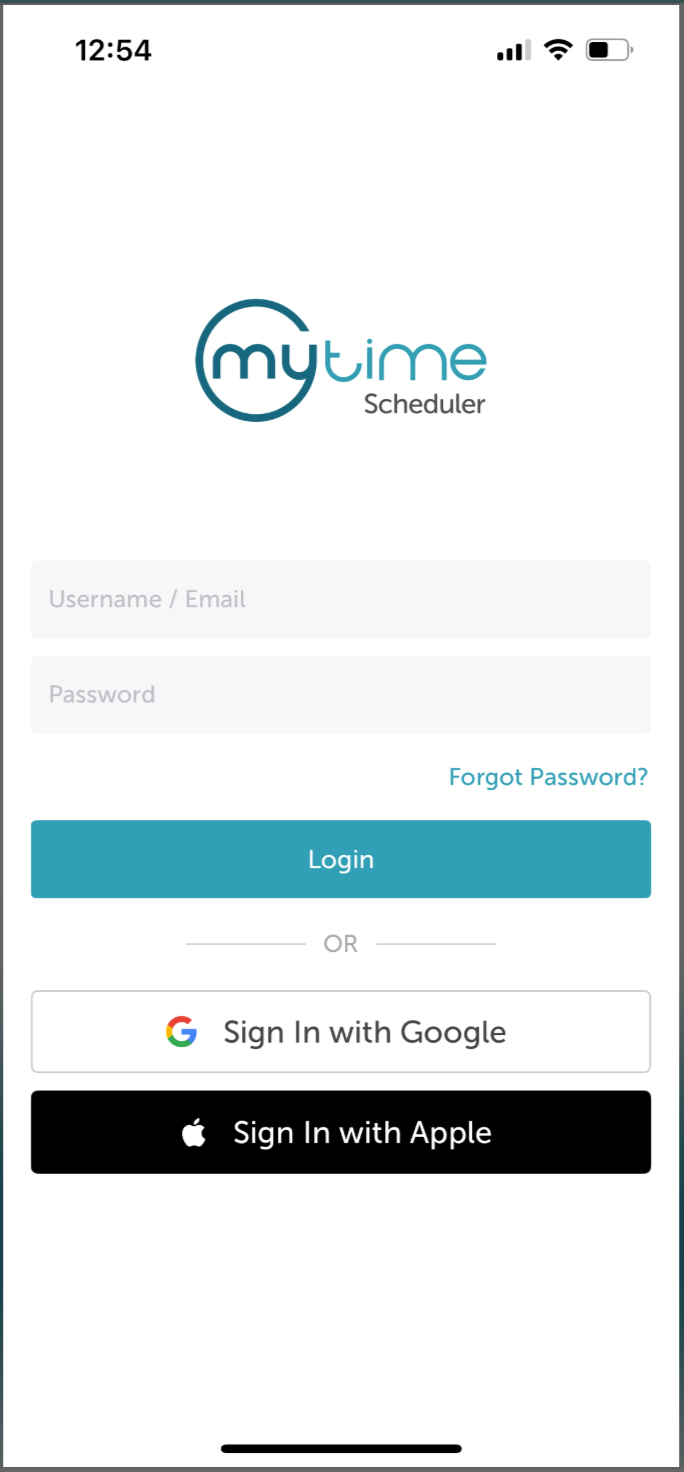
1. Launch the MyTime Scheduler app on your device
2. Choose your login method:
- Standard: Enter your registered email address and password, then tap 'Sign In'
- Social Login: Select 'Continue with Google' or 'Continue with Apple' to use your existing credentials for a faster login experience. For detailed instructions, learn here
3. After signing in, you will be directed to the Schedule by default
4. Tap the "Clients" icon at the bottom of the screen 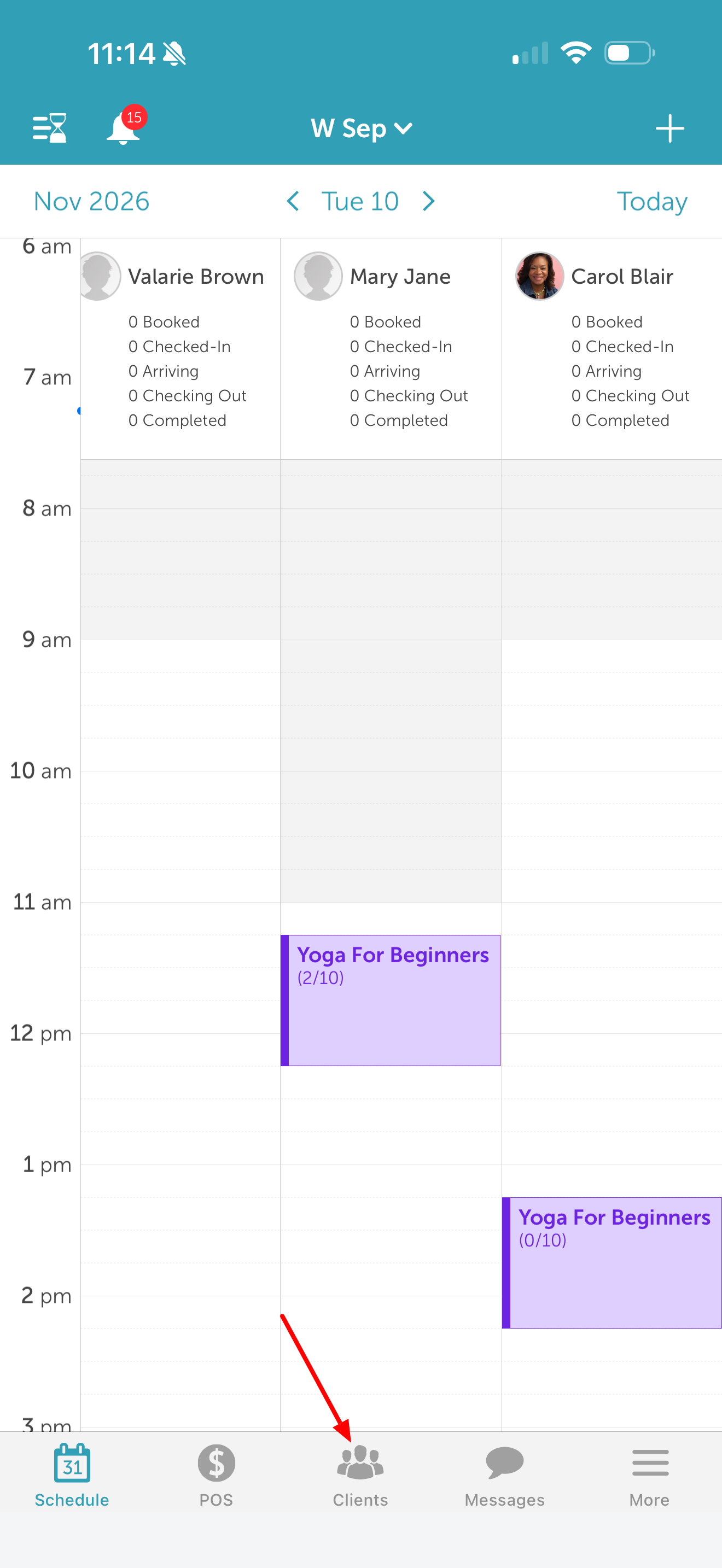
5. Search for and tap the desired client to open their profile 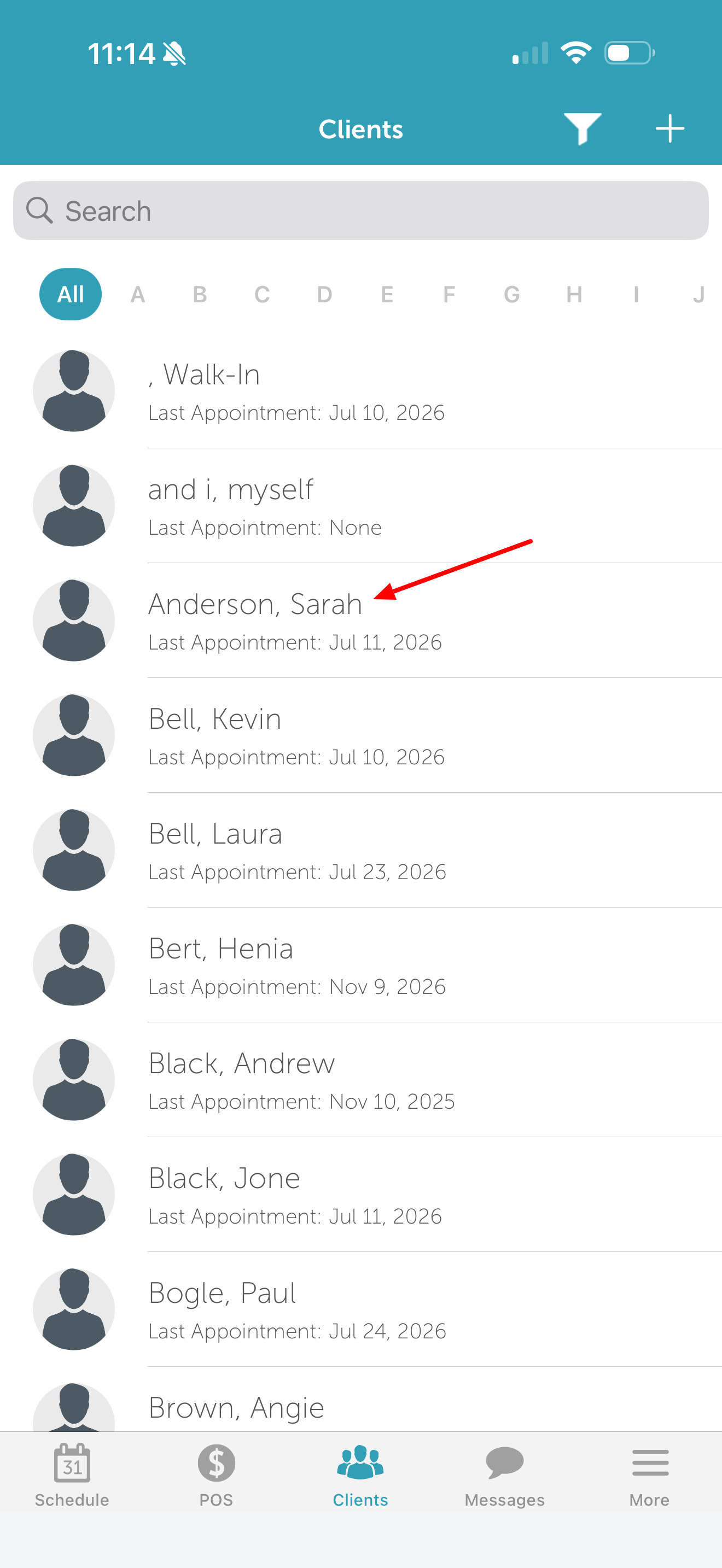
6. Scroll down to the "Memberships Purchased" section
7. Tap the membership to expand its details 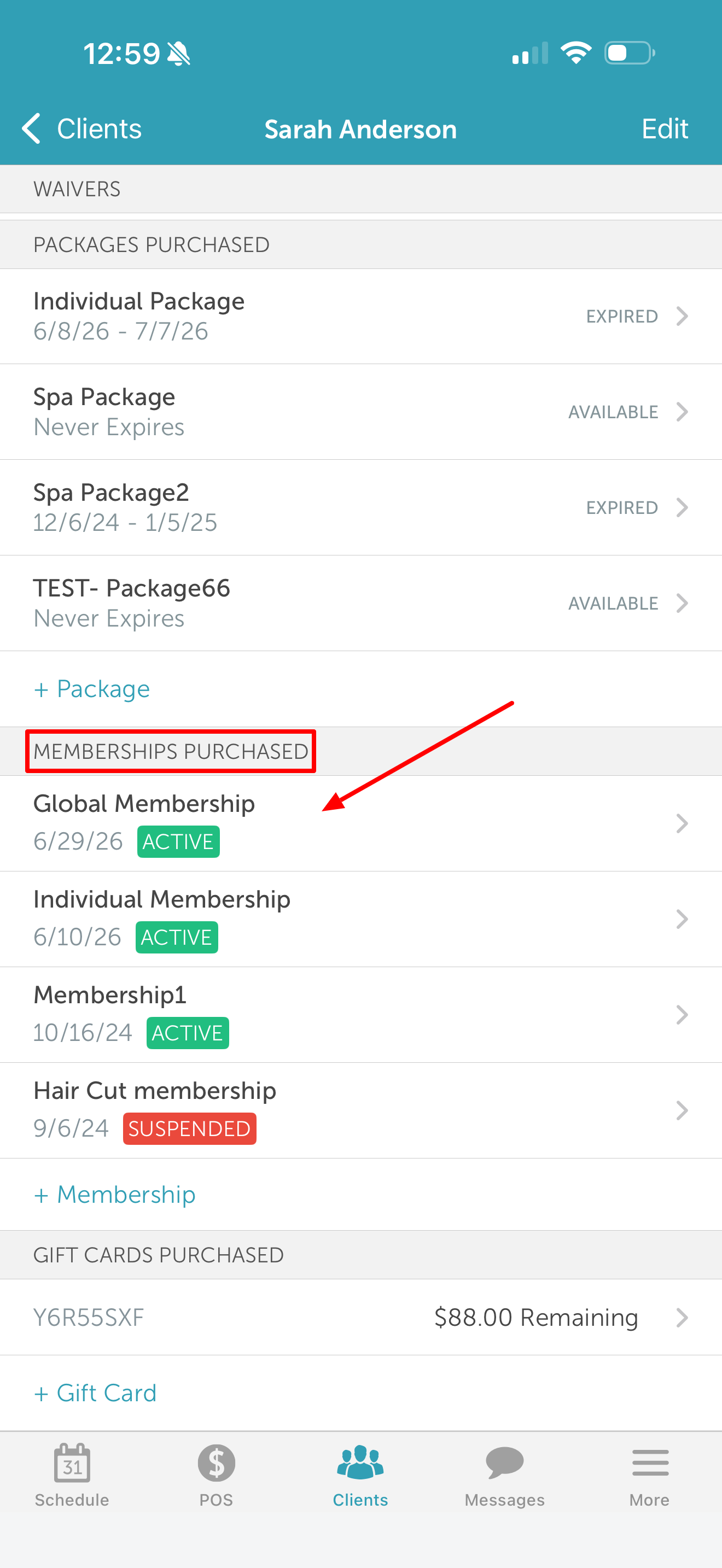
8. Scroll down to the "Audit Trail" section
9. Select the credit type you want to view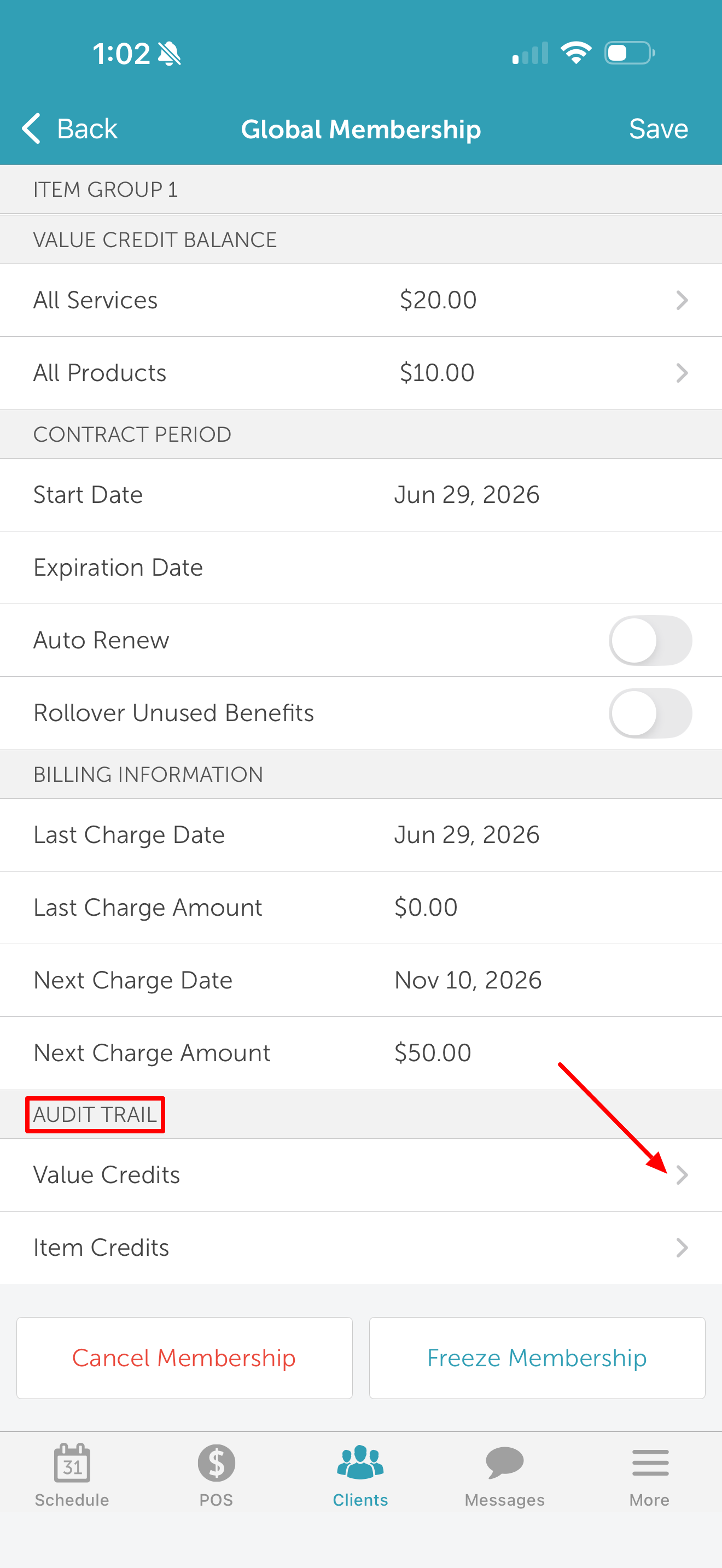
10. Once selected, the audit trail displays all recorded actions for that credit type with the most recent entry first
- Membership Value Credit
Related Articles:
Was this article helpful?
That’s Great!
Thank you for your feedback
Sorry! We couldn't be helpful
Thank you for your feedback
Feedback sent
We appreciate your effort and will try to fix the article