Packages for family members can be added directly on the client's profile under the "Packages Purchased" section. This article will walk you through the steps to add packages for family members from the client profile on the scheduler app.
Things to Know:
- The ability to add packages for family members is controlled by the "Accessing Client Records" and the "Accessing Packages" access control setting.
- Only packages created for individual family members will include the option to select a specific family member during purchase. Packages configured for "All Family Members" can be used for any family member on the client’s account. If the client profile contains only one family member, that family member will be automatically selected by default
- The packages purchased will be stored on the client's profile and in the Packages Purchased report
- Once a package item credit has been used or manually removed, the option to delete the package will no longer be available on the client's profile.
To add packages for family members:
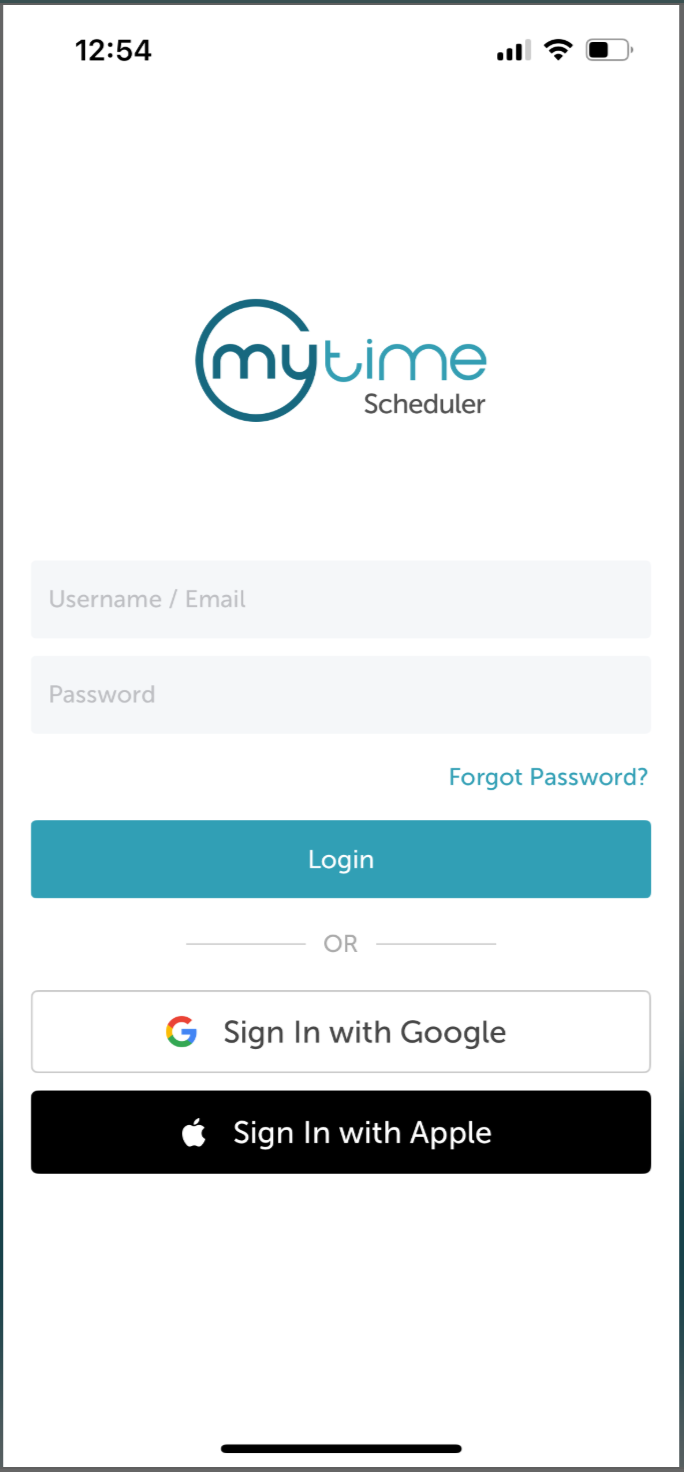
1. Launch the MyTime Scheduler app on your device
2. Choose your login method:
- Standard: Enter your registered email address and password, then tap 'Sign In'
- Social Login: Select 'Continue with Google' or 'Continue with Apple' to use your existing credentials for a faster login experience. For detailed instructions, learn more here
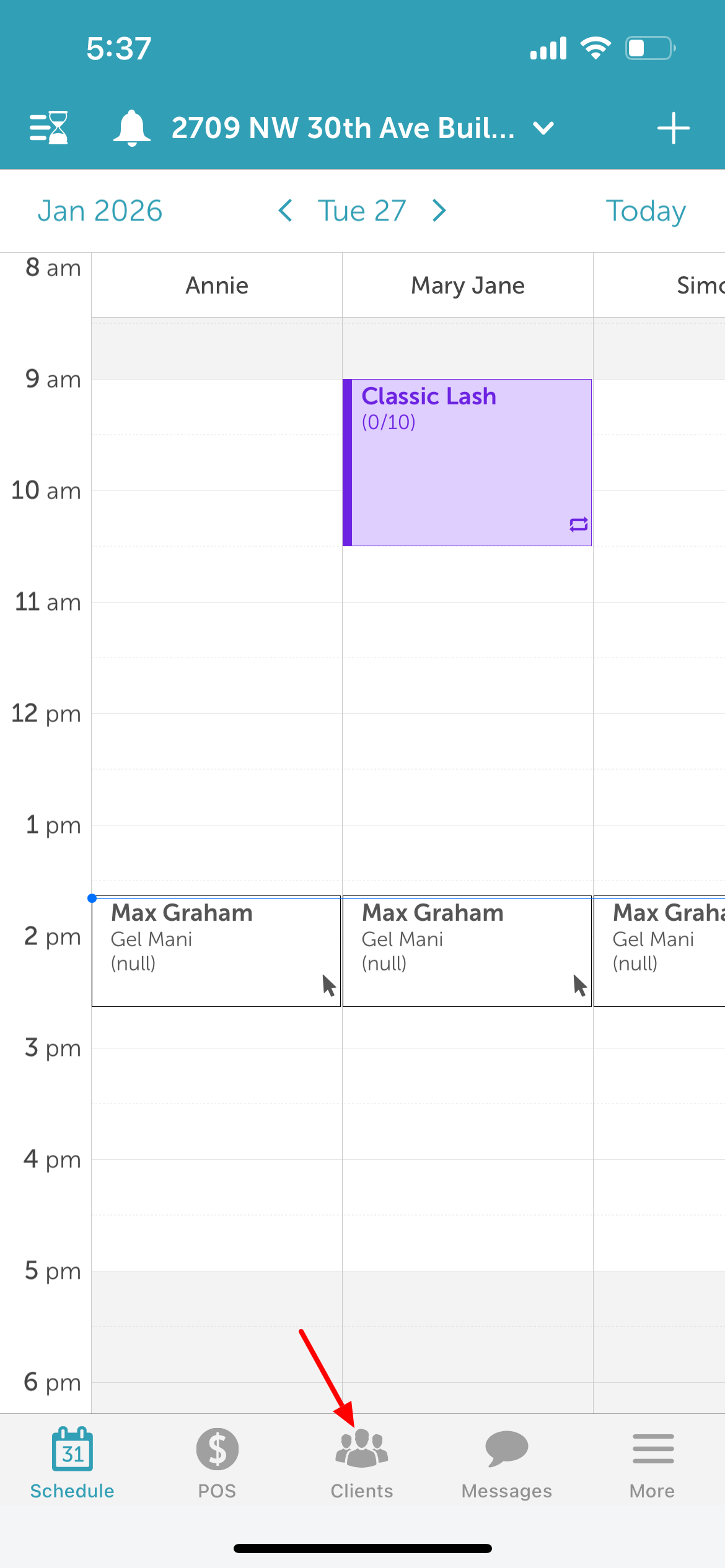
3. After signing in, you will be directed to the Schedule by default.
4. Tap the Clients icon located at the bottom of the screen
5. Type the client’s name in the Search field, or select the client from the client list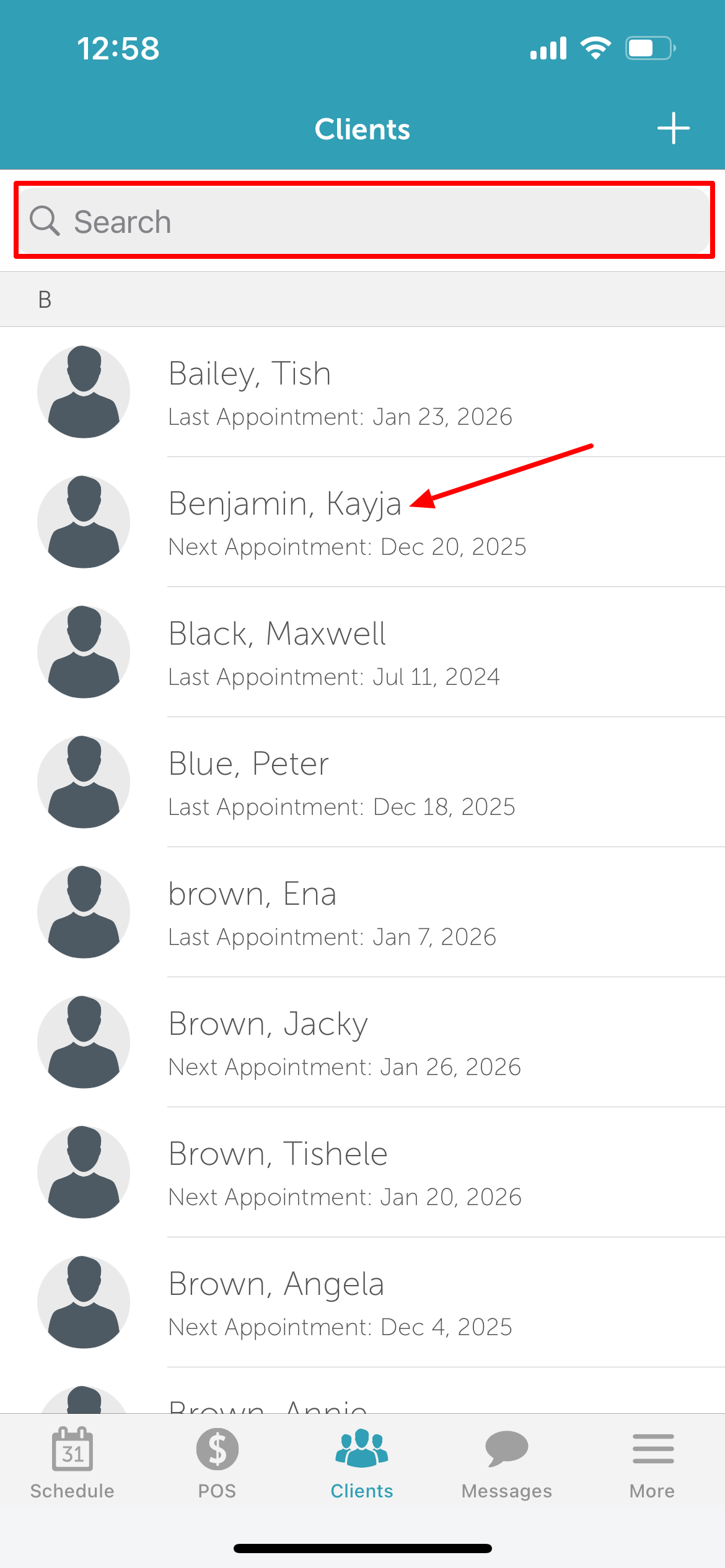
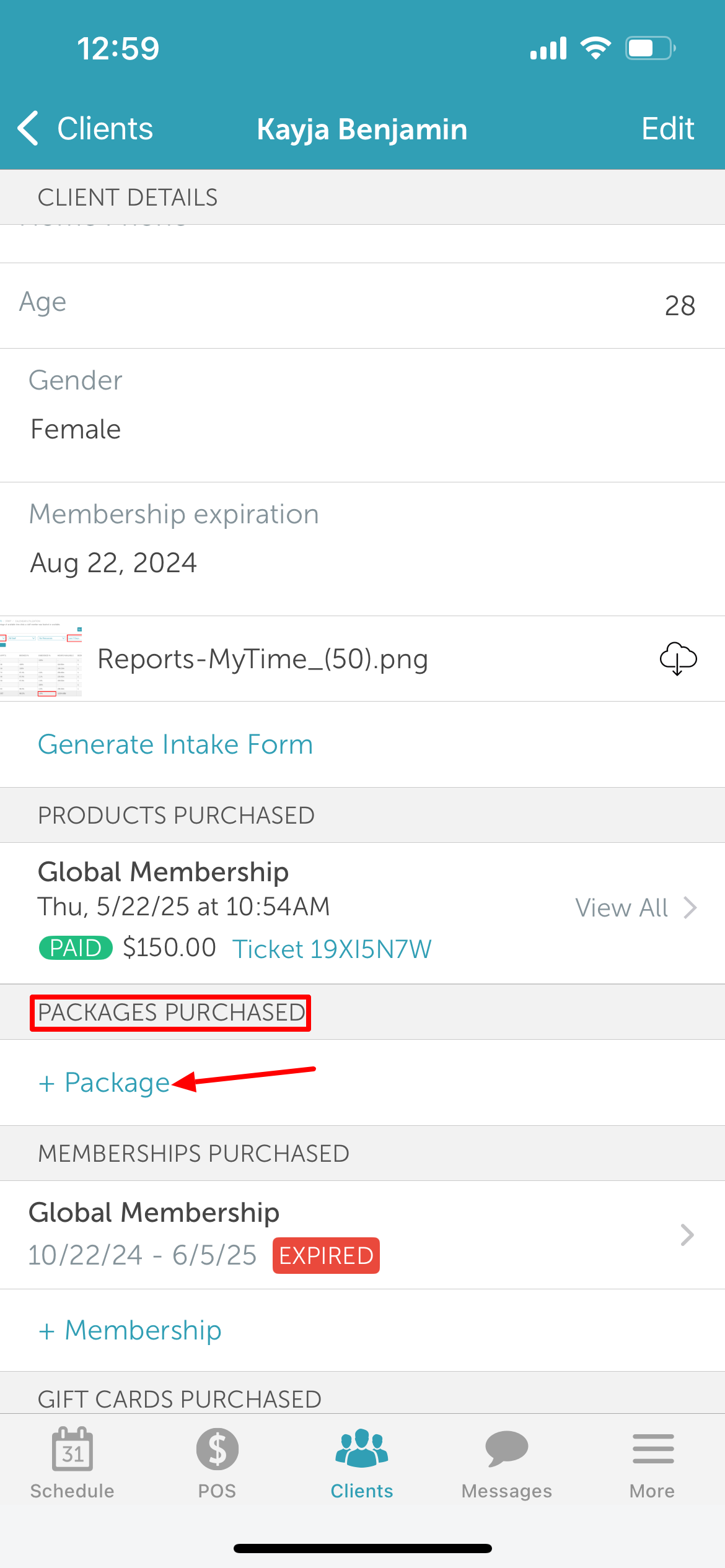
6. Navigate to the 'Packages Purchased' section
7. Tap '+ Package'
8. On the 'Add Package' screen, select the purchase location from the list of locations
9. Select the desired package from the 'Package' section
10. If the selected package is configured for individual family members, the Package Owner option will appear
11. Select an existing family member or add a new family member as the package owner
12. Tap 'Add' in the top right corner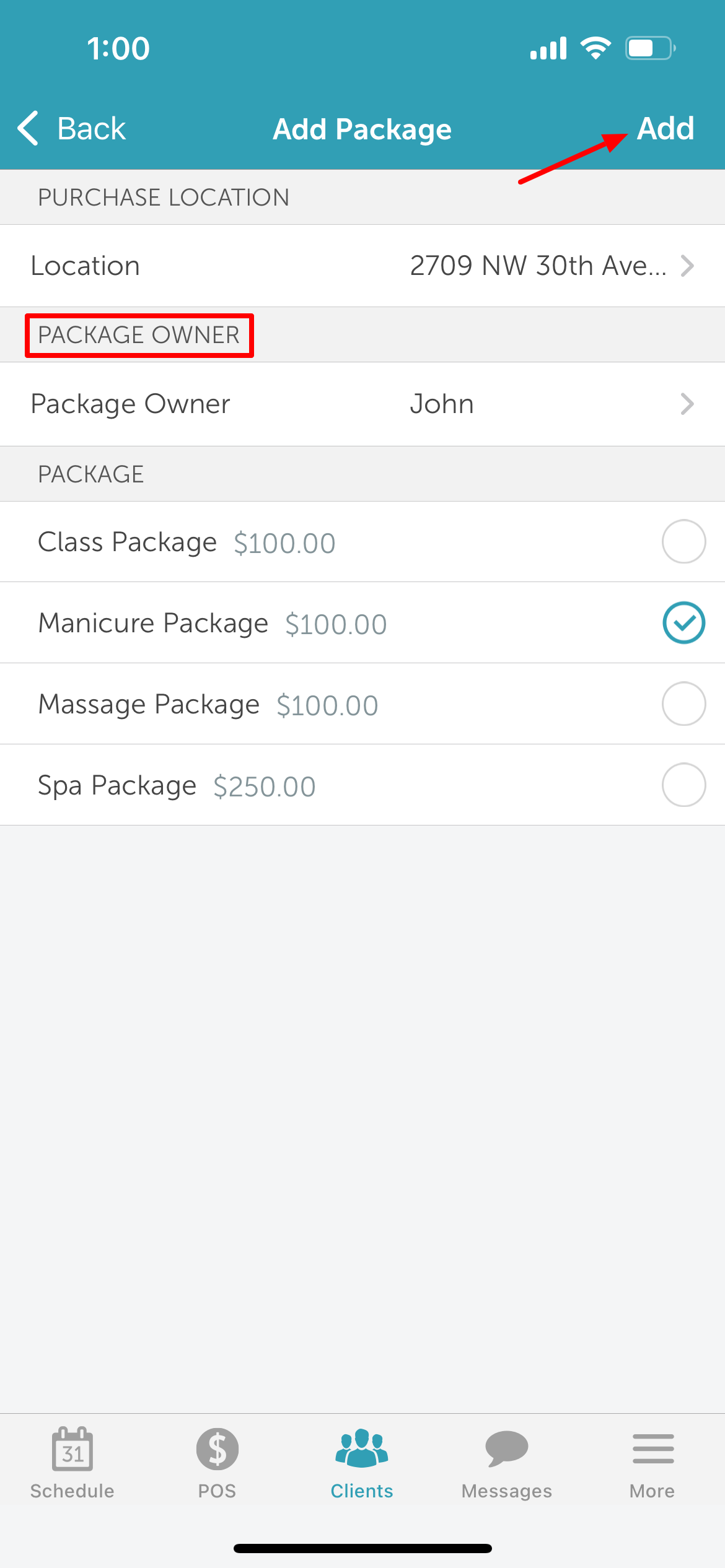
13. The package will be added to the 'Packages Purchased' section on client's profile 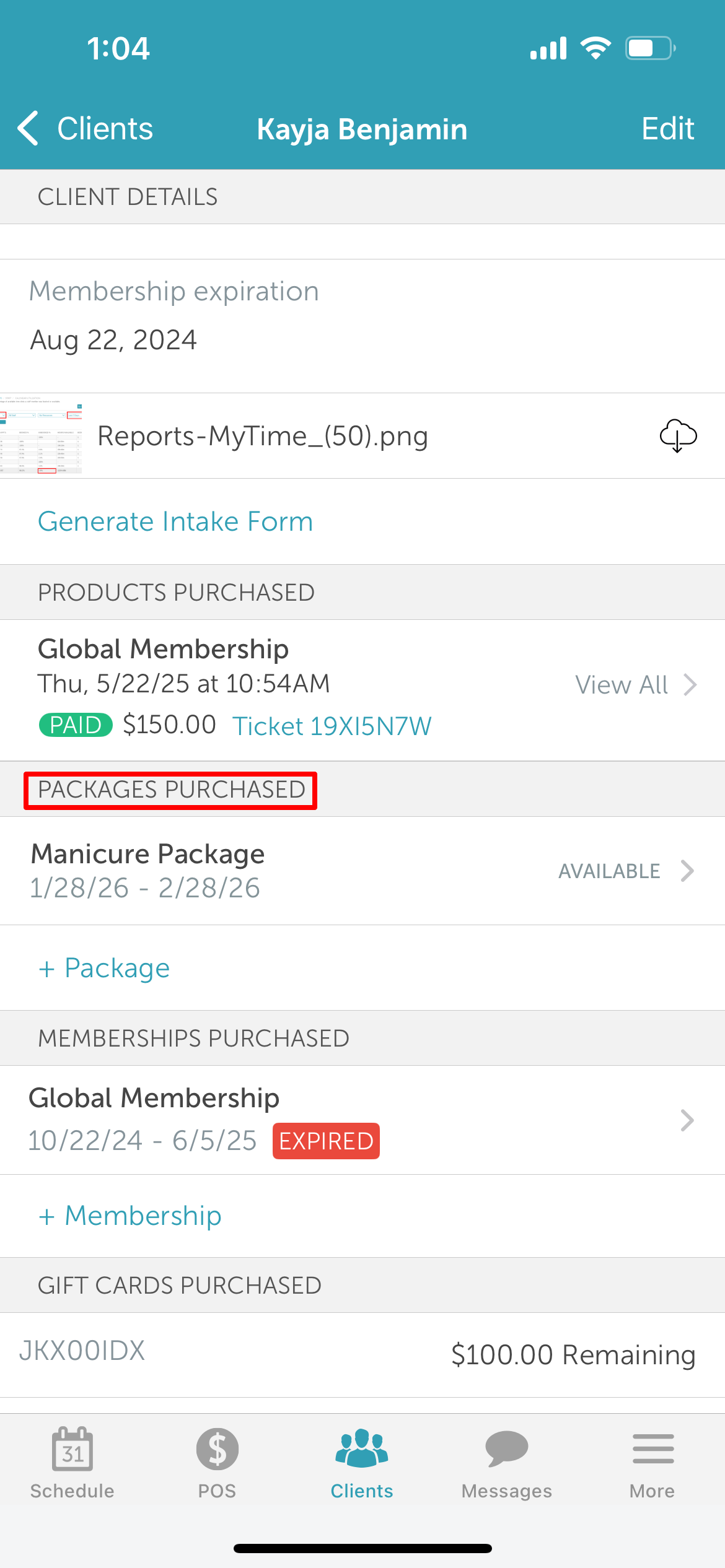
Related Articles
Installing MyTime on Scheduler App (Android and iOS)
Signing into MyTime on Scheduler App (Android and iOS)
Adding Family Member on Scheduler App
Was this article helpful?
That’s Great!
Thank you for your feedback
Sorry! We couldn't be helpful
Thank you for your feedback
Feedback sent
We appreciate your effort and will try to fix the article