For more information, contact us at support@mytime.com.
Related Articles:
Sign in as Staff Member on Web
Scheduling Appointments on Scheduler App
Sync External Calendar on Scheduler App
In this article, we will guide you through the steps to delete family members in the scheduler app.
Things to know:
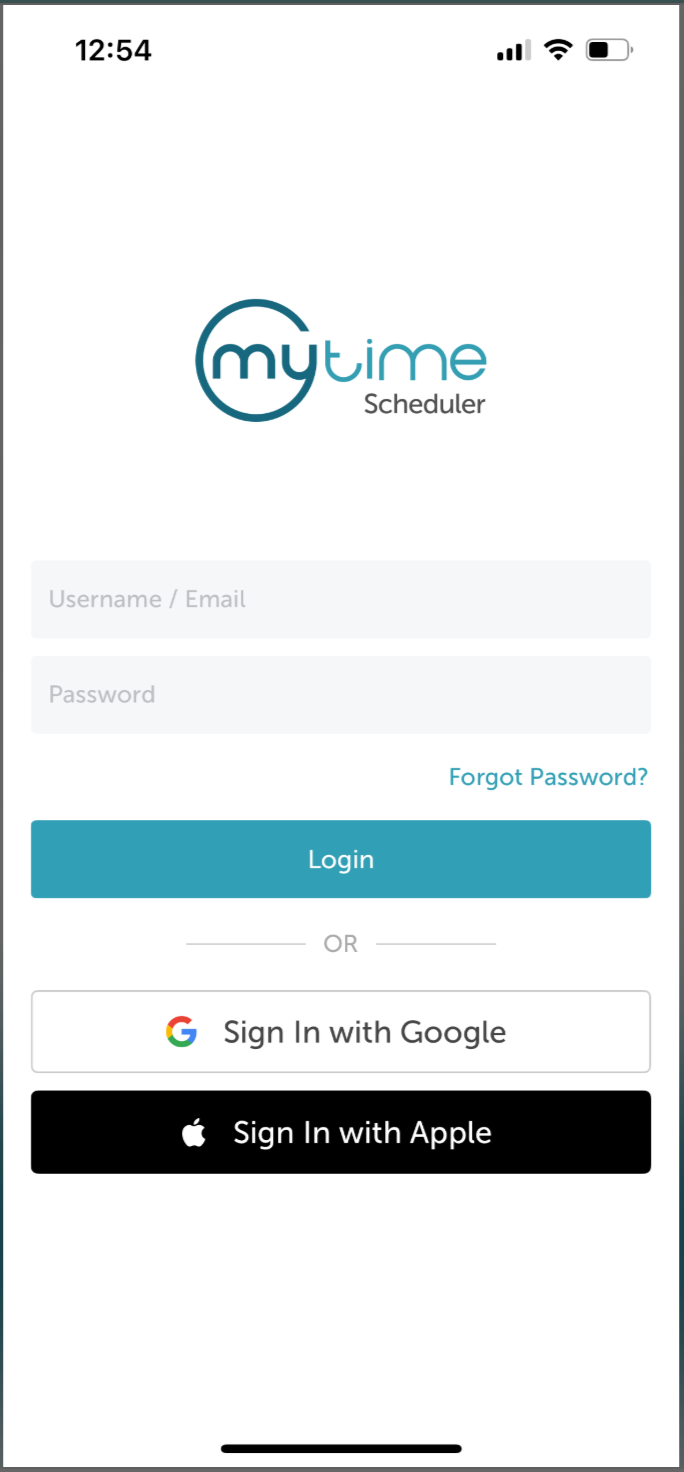
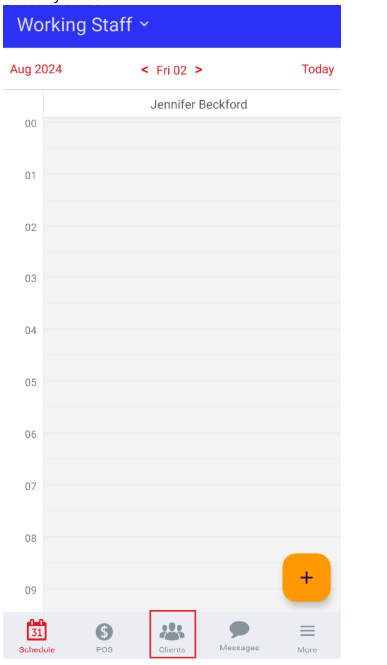
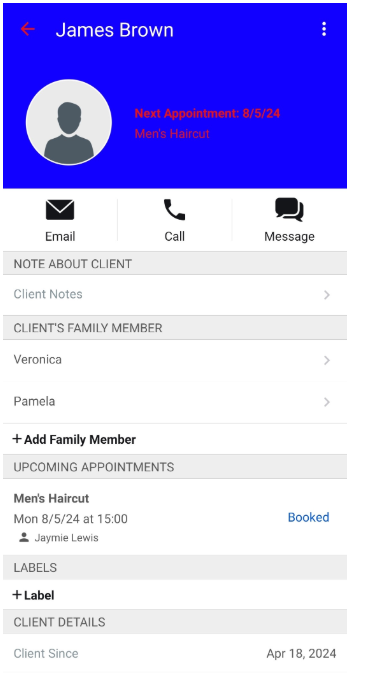
To delete family members on the scheduler, simply follow these steps:


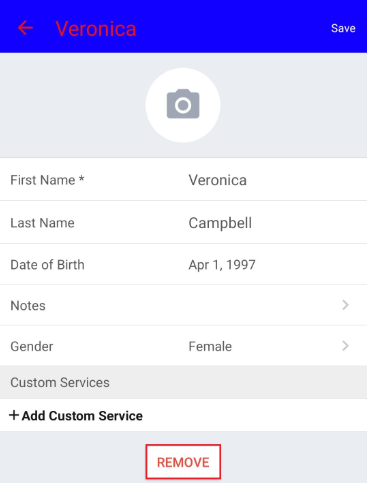

By following the steps provided in this article, you will be able to successfully delete family members on the scheduler app.
That’s Great!
Thank you for your feedback
Sorry! We couldn't be helpful
Thank you for your feedback
Feedback sent
We appreciate your effort and will try to fix the article